
How we let retailers try a working system with sample data
We created a separate demo so potential customers could explore a working retail system with generated records.
The software had grown up in a real shop
The retail management system already supported a shop’s day-to-day work. To show it to other retailers, we wanted them to see how the stock and sales workflows fit together. They needed something they could try using, with enough records to make an ordinary task feel familiar.
The existing shop’s records belonged to that business. The demo needed its own environment and a believable set of records so a prospective customer could click through the work safely.
Two tasks, in a specific order
I asked the developer to duplicate the application into a separate demo environment with the shop’s records cleared out. I then wrote a follow-up task to populate it with generated records. Those were two decisions. First give the demo a boundary of its own. Then give visitors something to do inside it.
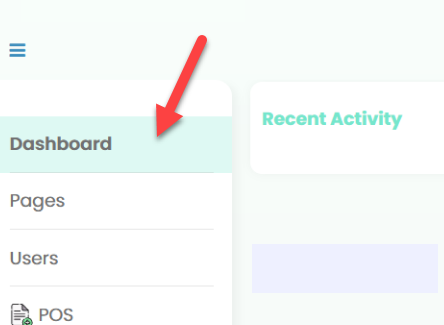
The developer handled the setup. In March 2023 I confirmed the demo was working. A later styling review looked at how visitors found their way round the dashboard, which is the screen shown here.
What a retailer could judge
The demo gave retailers a way to explore a working interface with sample data. The project record confirms the demo setup and my check. Its value was that the conversation could start with the work a shop needed to do, with an environment ready to walk through it.
“2) Use Factory + Faker for the CRM Demo”